Wow & flutter, playback and recording frequency response in one Windows program. Made by a technician who measures cassette decks every day.
With an ASIO sound card (the program works at 192 kHz, for example the Behringer UMC202HD) you choose one of three measurements on the start screen.
Speed deviation in % and wow & flutter to JIS (weighted RMS) or DIN (weighted peak), measured from the 3000 or 3150 Hz test tone.
How the deck reproduces a test cassette, 16 Hz – 25 kHz in 1/3-octave bands.
The program sends a sweep, the deck records it and the third head plays it back live.
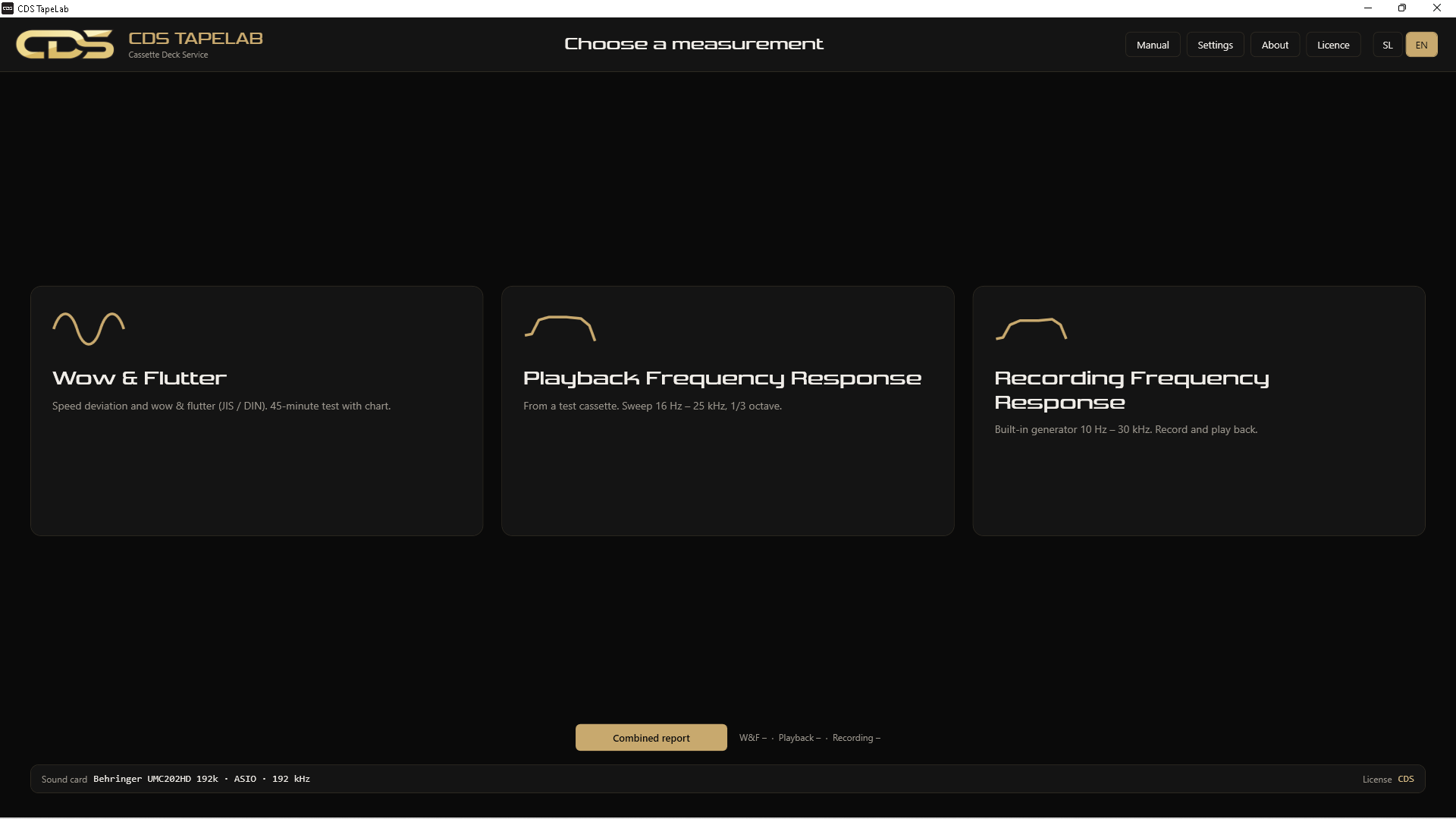
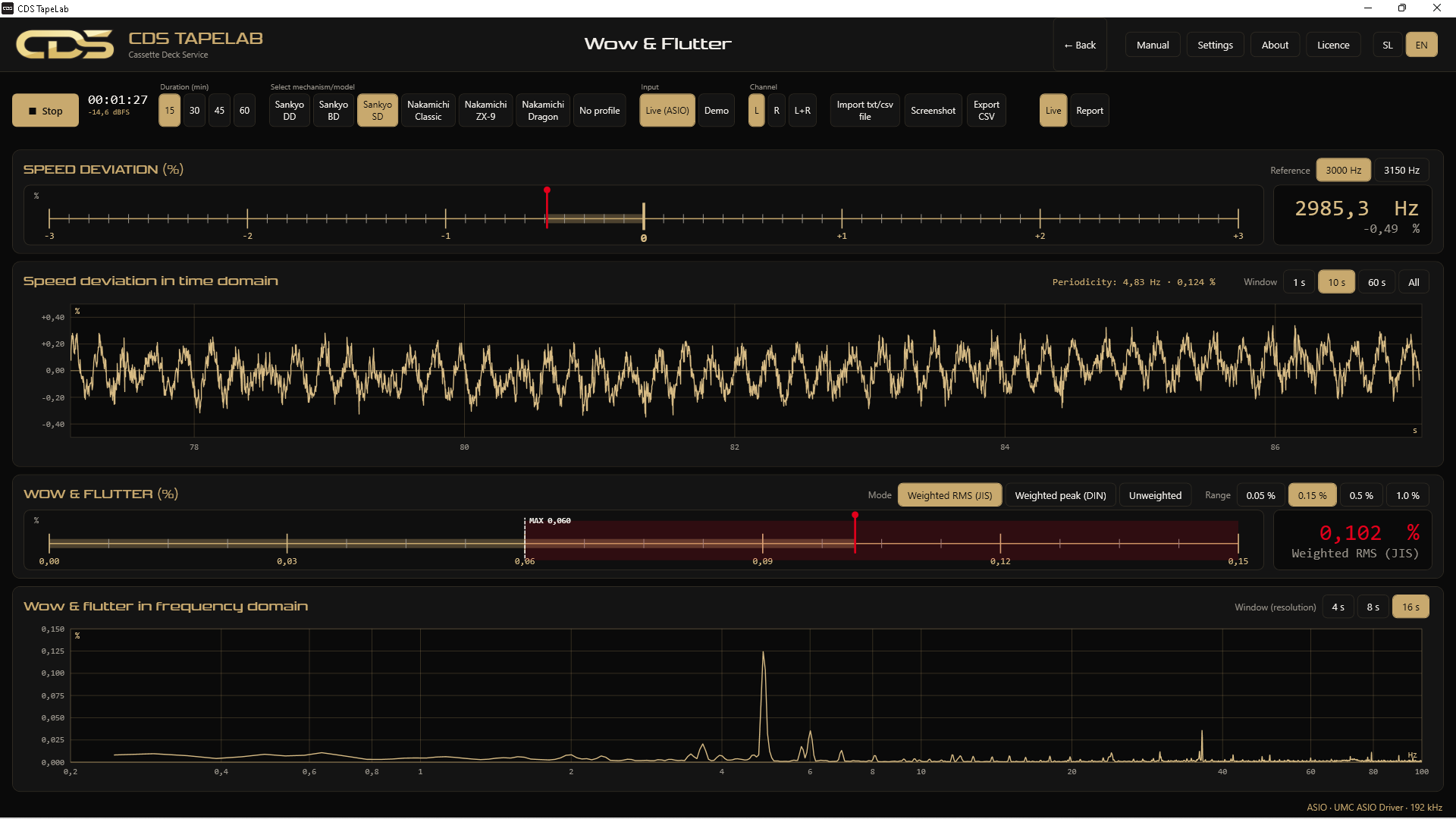
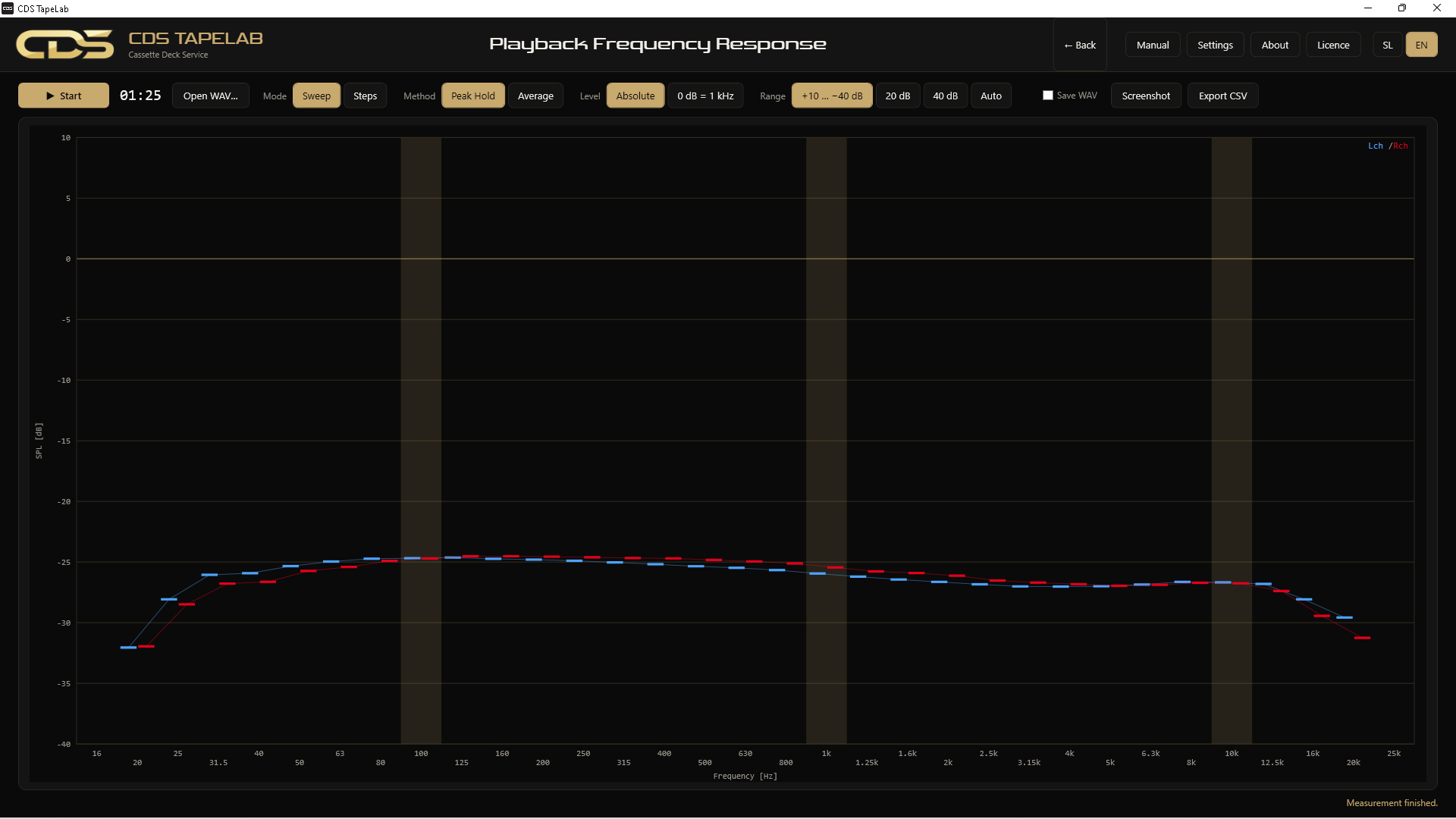
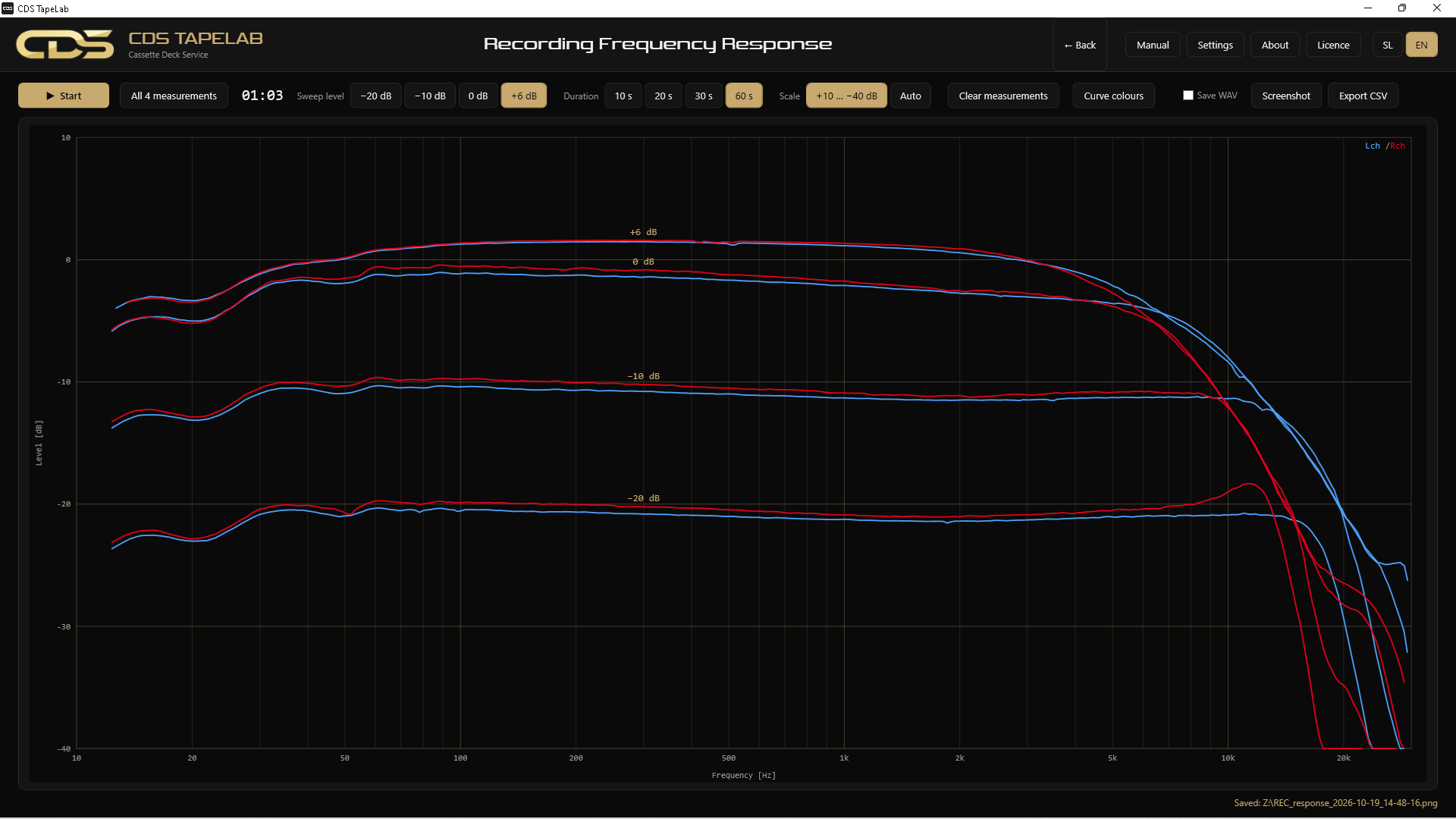
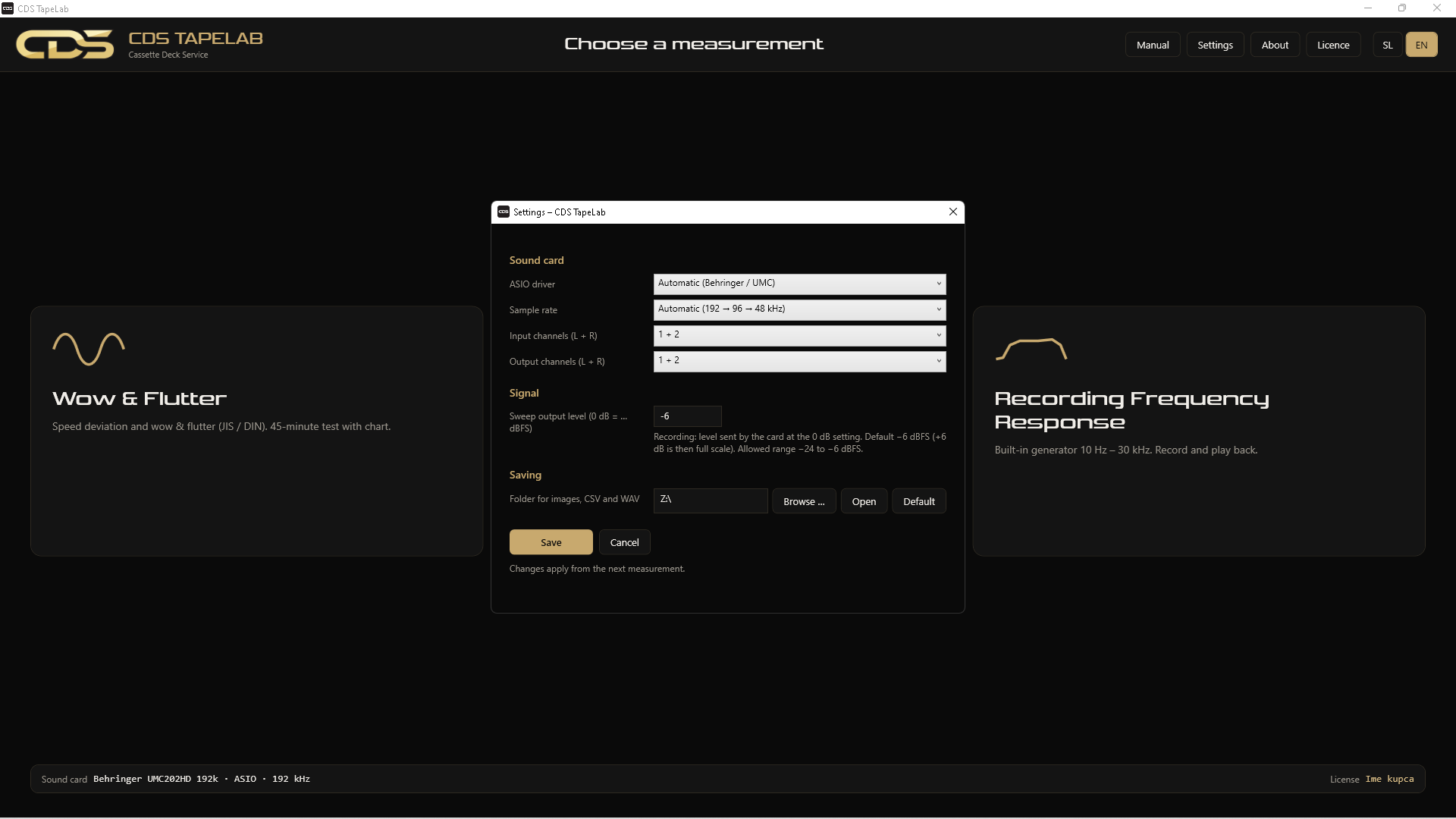
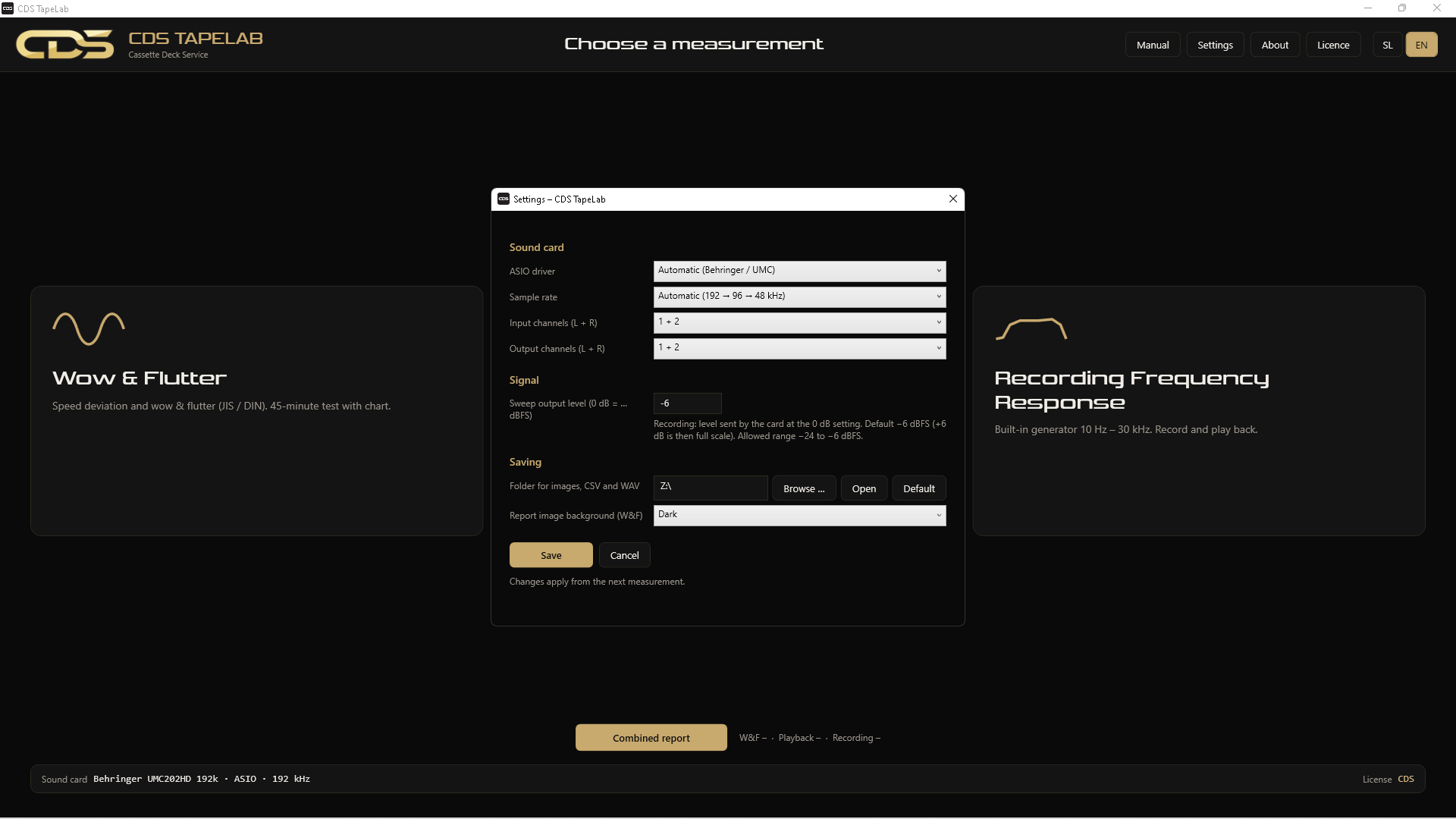
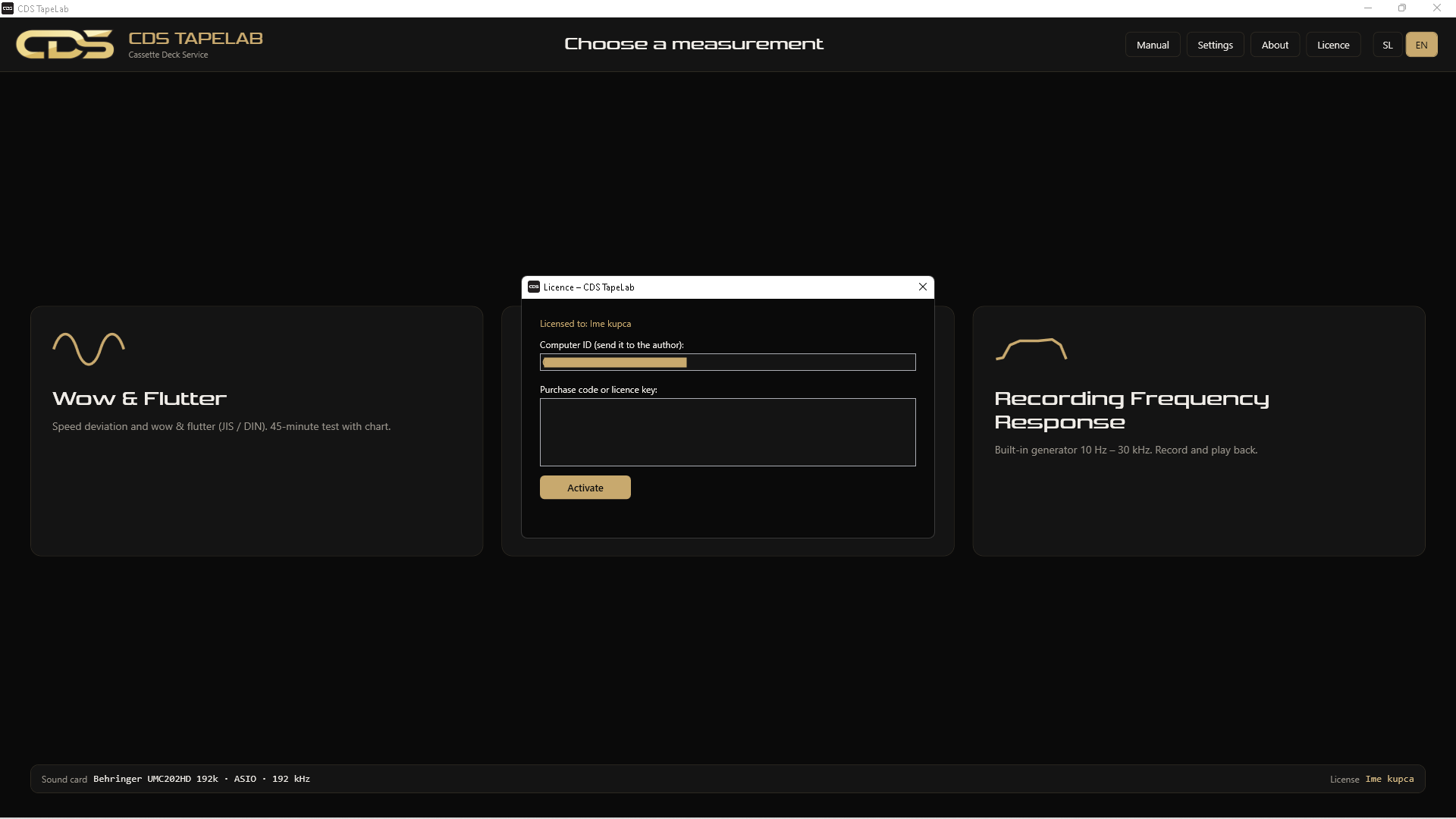
Demo mode runs every measurement. Only the export of images and CSV is switched off until you enter a licence.
Record the program's own signal without a cassette, then measure with a cassette at the same level and see both curves together.
The W&F report shows speed, weighted RMS and weighted peak over time. Records from other instruments (txt or csv) can be opened in the same report.
Image (PNG, 1600 × 800 px) and CSV that opens in Excel. Files are saved automatically in Documents \ CDS TapeLab.
Switch the language at the top right of the program. User manual in both languages.
Written by a technician with 30+ years of cassette deck repair, for the measurements needed on the bench.
You can pay with a PayPal account or with a card through PayPal. No VAT is charged (the seller is not VAT-registered).
One code works on one computer only; another computer needs another code. Bank transfer and Revolut are also accepted — contact me.
Install the program and try every measurement in demo mode. Without a licence only the export is disabled.
A Mac version is planned.
Connections, all three measurements, export and troubleshooting.
A sound card with an ASIO driver; the program works at 192 kHz. The Behringer UMC202HD is one option, not a requirement. Without an ASIO driver the program shows "No ASIO driver found".
All measurements work. Export of images, CSV and reports is disabled until you enter a licence.
A code is tied to one computer. For another computer you need another code.
Check your internet connection; the computer must be online to activate. If the program says the code is already used on another computer, contact me.
This message can appear for programs from small publishers. Click More info, then Run anyway.
No. The new version installs over the old one.
Every message is answered personally.
